Gå til indhold
Use casesLærKurserOm mig
cleverest

Build an AI chief of staff in Claude Cowork

A morning briefing takes ten minutes to build. What turns it into a chief of staff is everything you set up around it. Join the free webinar to see how.

Wednesday 7 October 2026, 10:00 CEST (Copenhagen time)

Register free

In this session

You already know what a chief of staff does: they hold the things you drop, surface what you'd otherwise miss, and keep the operation running when you're not looking. AI can do that job for you. In this session you'll build a 60-second morning briefing from your calendar and inbox that runs on its own and lands before you open your laptop. Then I'll show you the whole system I've been running for months, and what it took to set it up that way. You'll leave knowing where your own should begin.

What we'll do

01

Build a morning briefing that surfaces the emails and meetings that need you today, plus your top three priorities — there's even a shortcut to get you there faster

02

See how one job becomes a system: the four standing jobs that cover my entire working day, and what it takes to set each one up

03

Learn the continuity pattern that lets each run pick up where the last one left off

04

Leave with two take-home resources: a self-audit worksheet to find your best standing jobs, and a step-by-step build guide to set them up

Meet my chief of staff

It checks in with me three times a day and runs a weekly triage on Fridays. Four standing jobs, and together they cover the whole working day (and week).

The morning briefing header: the day's shape in one drawing
01

Morning brief

Weekdays 06:45

A midday pulse in Claude Cowork connecting yesterday's note to the calendar
02

Midday pulse

Weekdays 12:30

An evening close in Claude Cowork summarizing the day
03

Evening close

Weekdays 20:30

Friday triage newsletter stats: open rate, click rate, new subscribers
04

Weekly triage

Fridays 11:00

Who this is for

Knowledge workers who want AI to surface what they'd otherwise miss. If you manage a calendar, an inbox, or a team, this session is for you.

What you need to build along

The webinar is free to attend. To build along in the session and complete the take-home build guide on your own account, you'll need a paid Claude plan with access to Claude Cowork. Check anthropic.com for current plan options. If you don't have a paid plan, you can still attend, watch the full build, and use the self-audit worksheet to find your best standing jobs.

About Louise

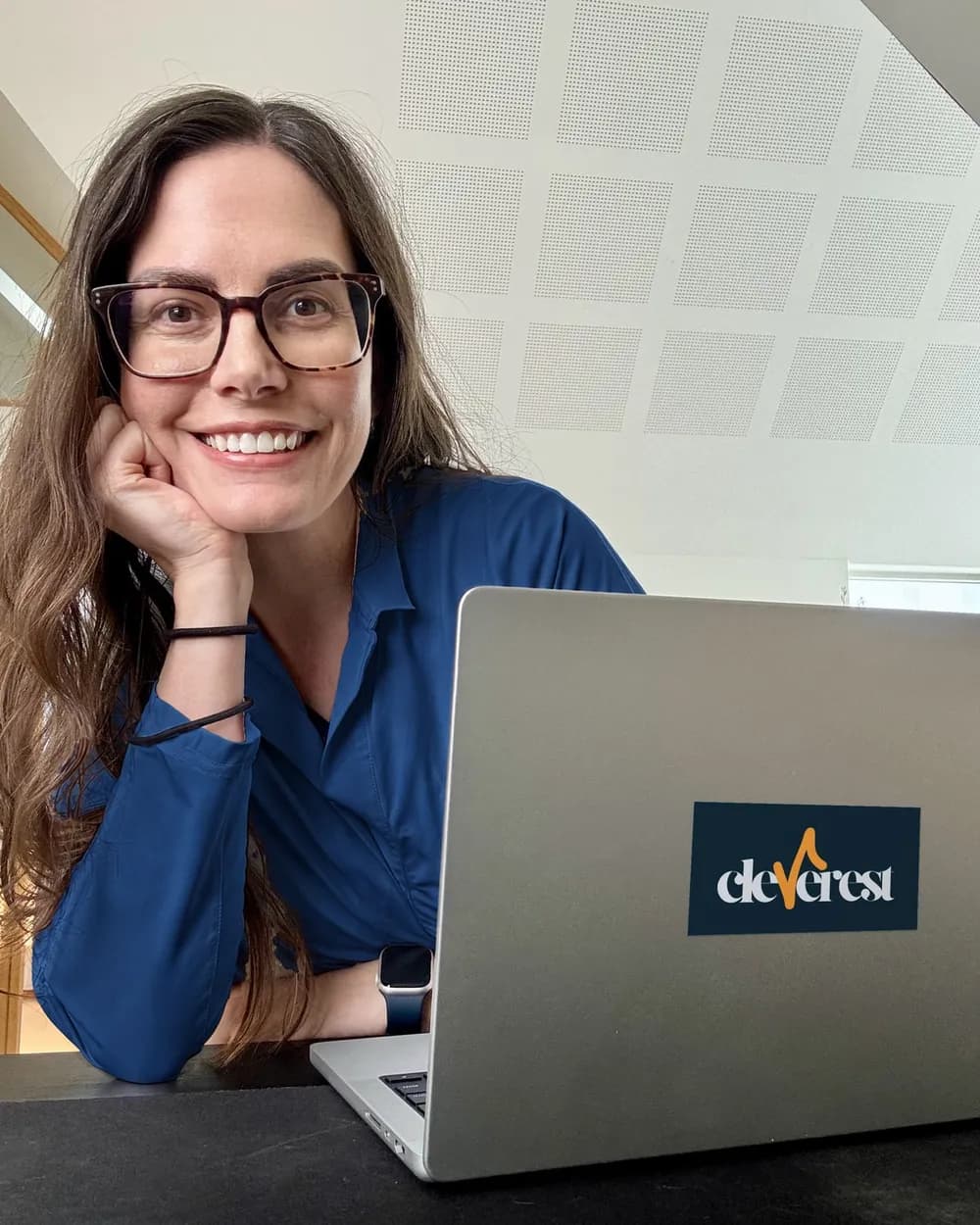
Louise Loehndorff is the founder of Cleverest. She runs a four-job AI chief-of-staff system with Claude Code. In this session she teaches the same pattern in Claude Cowork. She works with knowledge workers, individually and in teams, to build AI systems that handle their busywork.

Louise Loehndorff

Take-homes

Sent to every registrant after the session.

Take-home A

“Which of your recurring tasks deserves a standing job?” A self-audit worksheet. Ten questions that surface your best standing-job candidates and rank them. Works for any tool setup.

Take-home B

“Build your first standing job.” A step-by-step build guide for Claude Cowork. Covers both Google Workspace and Microsoft 365 setups. Includes the fill-in-the-blank prompt template from the session.

Two paper rectangles representing the two take-home resources

Session details

  • Date: Wednesday 7 October 2026

  • Time: 10:00 CEST (Copenhagen time)

  • Platform: YouTube Live

  • Replay: available on YouTube within a few days of the live session

Register

Free to attend.

By submitting, you agree that Cleverest emails you about what you signed up for here. You confirm by email, and you can unsubscribe at any time. Privacy policy

After the webinar

Onboard your AI chief of staff — a five-week cohort with weekly live sessions. You'll configure a full chief-of-staff system from the ground up, applied to your own role and workflows — with help and inspiration from me and the rest of the cohort, so you end up with the right system for you. Enrollment opens soon. Join the waitlist to lock in early-bird pricing and hear about it first.

The fine print

The webinar is free. A paid Claude plan is required to run scheduled tasks in Claude Cowork; pricing and plan limits change, so check anthropic.com for current information. The session doesn't cover account setup: you build on your own account, live or afterwards, using the take-home guide.