I asked for a reminder. It did the thing for me instead.
Build an AI chief of staff with Claude
A morning briefing takes ten minutes to build. What turns it into a chief of staff is everything you set up around it. Join the free webinar to see how.
Thursday 22 October 2026, 10:00 to 11:00 CEST (Copenhagen time). Can't make 10:00? Register anyway. The replay goes to every registrant.
What mine did last week
It caught a potluck at my daughter's daycare. The day before.
- Tomorrow: potluck at daycare. Figure out what dish to bring.
I was about to ask it to check my calendar. It beat me to it.
One quick text. Three things got done.
In this session
You already know what a chief of staff does: they hold the things you drop, surface what you'd otherwise miss, and keep the operation running when you're not looking. AI can do that job for you. In this session you'll build a 60-second morning briefing from your calendar and inbox that runs on its own and lands before you open your laptop. Mine reads my work calendar and our family calendar, because my day doesn't split in two. Then I'll show you the whole system I've been running for months, and what it took to set it up that way. You'll leave knowing where your own should begin.
What we'll do
Build a morning briefing that surfaces the emails and meetings that need you today, plus your top three priorities — there's even a shortcut to get you there faster
See how one job becomes a system: the four standing jobs (tasks it runs on a schedule) that cover my entire working day, and what it takes to set each one up
Learn the continuity pattern that lets each run pick up where the last one left off
Leave with two take-home resources: a self-audit worksheet to find your best standing jobs, and a step-by-step build guide to set them up
It saw I was stalling. So it booked the session.
- 01Marketing strategy session, 9:00 to 11:00. Everything else this week hangs off what it decides.
- 02Tester write-out, 15 minutes at 11:15.
- 03Two small flips: deck 16, the webinar's new date.
I said it once, in one chat. Every other conversation acted on it.
Who this is for
Knowledge workers who want AI to surface what they'd otherwise miss. If you manage a calendar, an inbox, a team or a household, this session is for you.
Not for you if you want AI to act without asking. Mine proposes, I approve.
What you need to build along
The webinar is free to attend. To build along in the session and complete the take-home build guide on your own account, you'll need a paid Claude plan. Check anthropic.com for current plan options. If you don't have a paid plan, you can still attend, watch the full build, and use the self-audit worksheet to find your best standing jobs.
About Louise
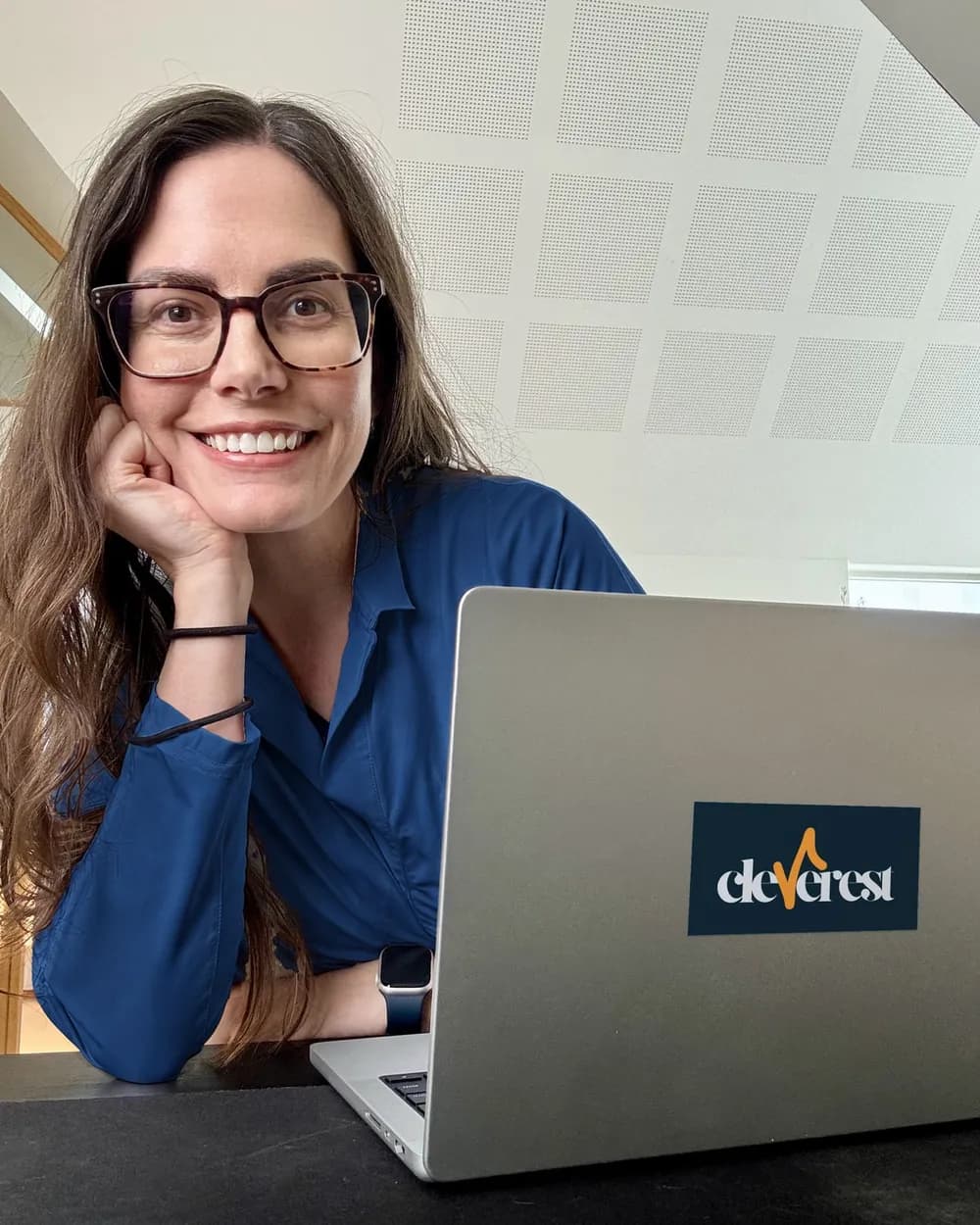
Louise Loehndorff is the founder of Cleverest. She runs a four-job AI chief-of-staff system with Claude Code. In this session she teaches the same pattern in Claude. She works with knowledge workers, individually and in teams, to build AI systems that handle their busywork.

Take-homes
Sent to every registrant after the session.
Take-home A
“Which of your recurring tasks deserves a standing job?” A self-audit worksheet. Ten questions that surface your best standing-job candidates and rank them. Works for any tool setup.
Take-home B
“Build your first standing job.” A step-by-step build guide for Claude. Covers both Google Workspace and Microsoft 365 setups. Includes the fill-in-the-blank prompt template from the session.

Session details
Date: Thursday 22 October 2026
Time: 10:00 to 11:00 CEST (Copenhagen time)
Platform: YouTube Live
Replay: available on YouTube within a few days of the live session
Register
Free to attend. The replay and both take-homes go to every registrant.
The fine print
The webinar is free. A paid Claude plan is required to run scheduled tasks in Claude; pricing and plan limits change, so check anthropic.com for current information. The session doesn't cover account setup: you build on your own account, live or afterwards, using the take-home guide.